What File Formats Do You Need for Custom Printing? A St. Petersburg Business Owner's Guide
Choosing the right file format is one of the most important steps in getting great results from custom printing, yet many St. Petersburg business owners send the wrong files and end up with blurry, color-shifted, or unusable artwork. This guide covers which file types work best, what resolution you need, and how to prepare your artwork before it goes to the printer. Whether you are ordering banners for a grand opening on Central Avenue, branded apparel for your team, or printed marketing materials for a local trade show, getting your files right the first time saves time and money.
Why File Format Matters for Custom Printing
The file format you send determines how sharp, scalable, and color-accurate your final product will be. A blurry logo on a banner or a muddy color on a polo shirt can hurt your brand more than having no print at all.
Vector Files vs. Raster Files
Vector files use mathematical paths to build images, so they scale to any size without losing quality. Raster files are made of pixels and can become blurry when enlarged. For large-format materials like signs, banners, and vehicle graphics, vector files are usually the preferred choice.
Accepted File Formats and When to Use Each
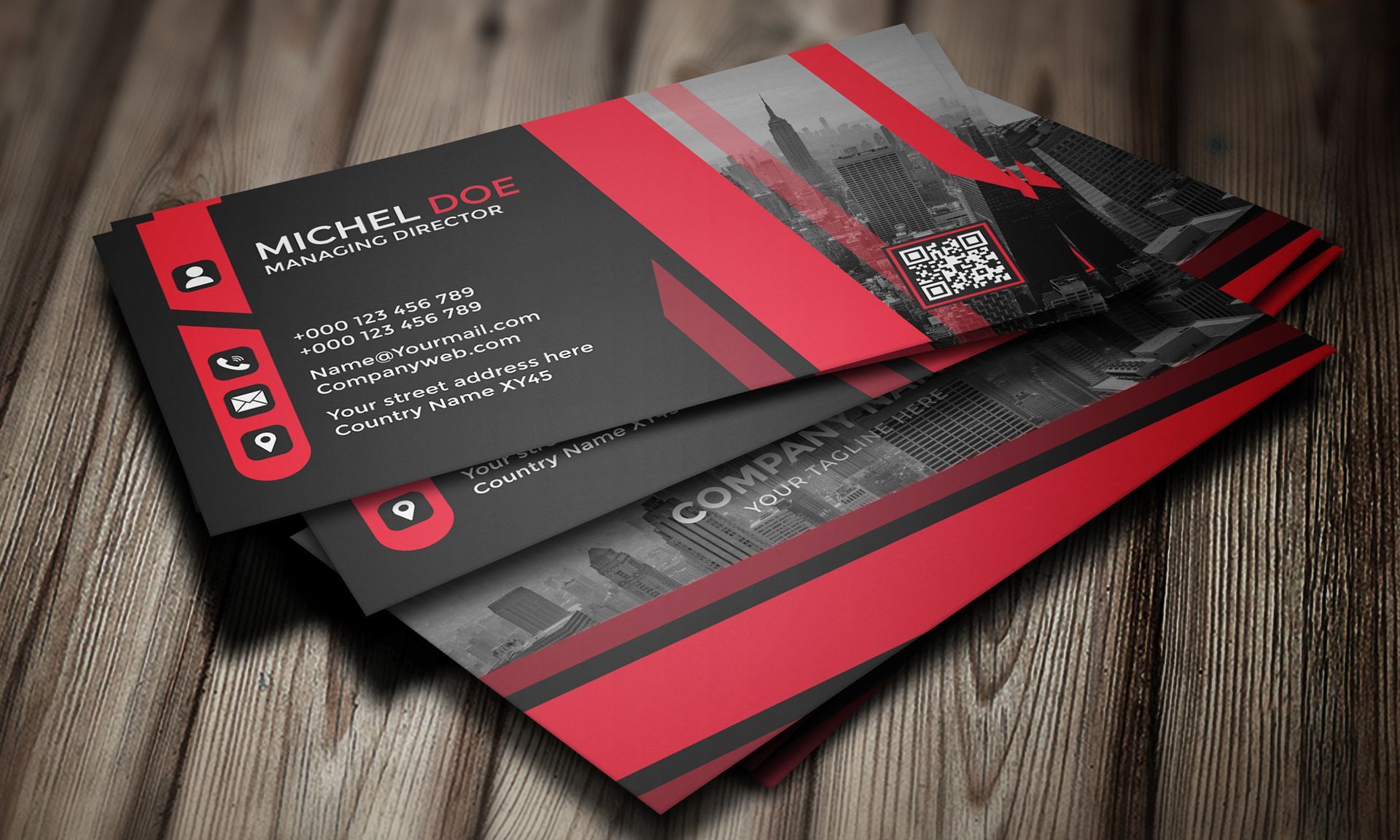
PDF is one of the most universally accepted formats for custom printing. A print-ready PDF preserves fonts, colors, and layout exactly as intended. It works well for business cards, brochures, flyers, and posters. Make sure your PDF is saved at print quality, not screen quality.
AI (Adobe Illustrator) is a native vector format and the top choice for logos and signage. Because it is fully editable and vector-based, it gives the printer maximum flexibility without any loss of detail.
EPS is another vector format and a longtime print-industry standard. It is widely compatible across professional design programs and works well for logos and graphics appearing on multiple printed materials.
PNG supports transparent backgrounds, making it useful for logos placed on colored signs or apparel. PNG files can work for custom printing, but only when the resolution is high enough. A PNG pulled from a website is almost always too low-resolution for print use.
JPG is the most common image format, but it compresses data every time it is saved, which can reduce quality over time. JPGs can be used for photographic elements in banners or posters when supplied at high resolution, but they are not ideal for logos or text-heavy artwork.
What Resolution Do You Need for Print-Ready Files?
Resolution requirements vary by product. Business cards, postcards, and brochures typically need artwork at 300 DPI at the final print size. Large-format prints like outdoor banners can often use 100 to 150 DPI at full size because they are viewed from a distance. Apparel graphics for screen printing or direct-to-garment printing perform best at 300 DPI or higher.
A common mistake is supplying a small image and asking the printer to enlarge it. Enlarging a low-resolution file does not add detail. It only makes the existing pixels bigger, resulting in a soft or pixelated print. Always create or request artwork at the actual print size.
CMYK vs. RGB: Which Color Mode Should You Use?
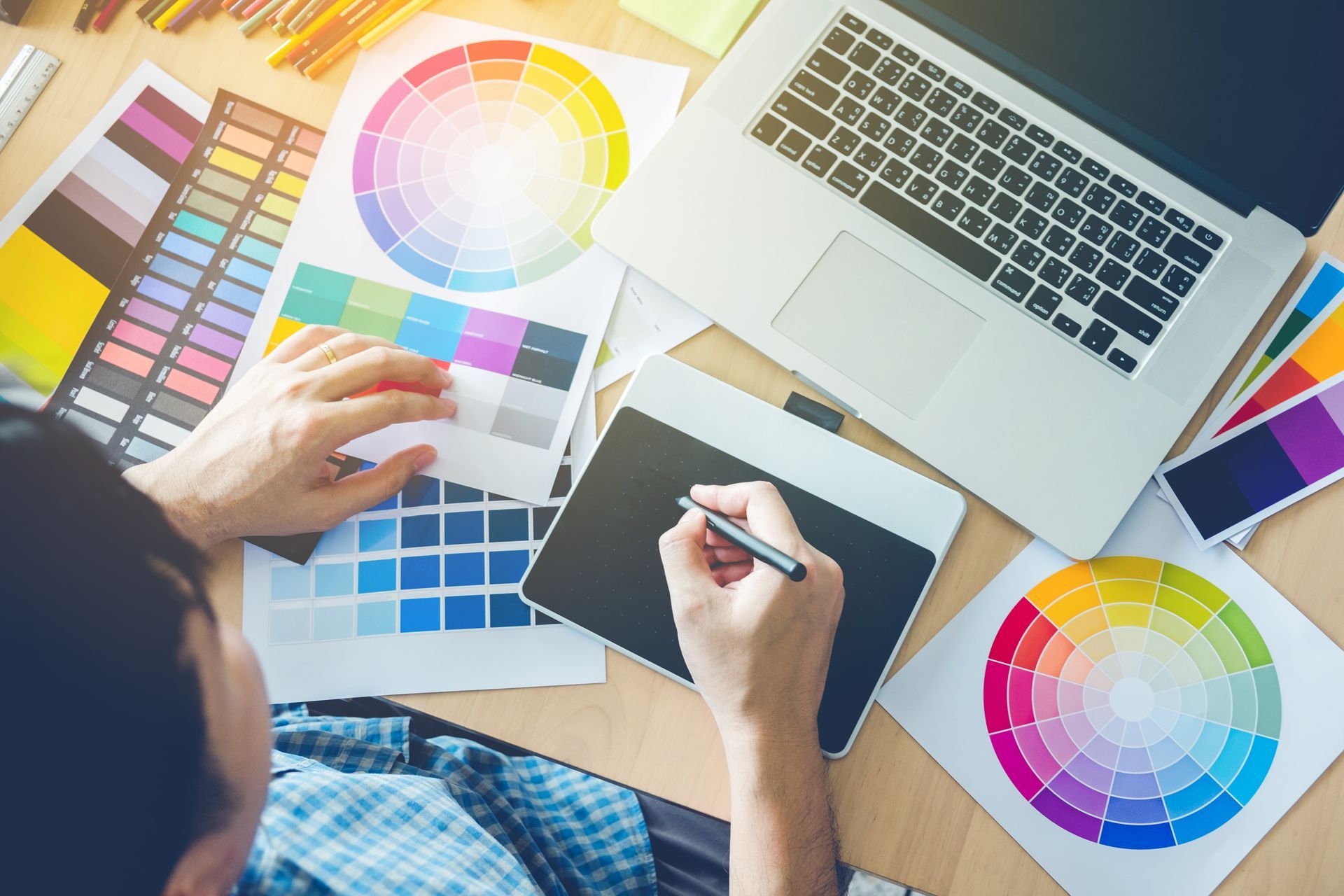
RGB is the color model used by screens and most design tools by default. CMYK is the color model used by commercial printing equipment. When an RGB file is converted automatically at the press, colors can shift noticeably, especially bright blues, greens, and oranges. Setting your artwork to CMYK before submitting gives you the most accurate color results on the finished product.
St. Petersburg businesses with brand colors tied to Gulf Coast blues and warm tropical tones may find this especially important. A cyan or turquoise that looks vibrant on screen can print much duller if the color mode is not converted ahead of time.
How to Prepare Artwork for Signs, Banners, and Apparel
Use these steps to get your artwork print-ready before submitting.
- Supply vector files (AI or EPS) for logos and graphic artwork whenever possible.
- Set the document color mode to CMYK before exporting.
- Embed or outline all fonts so they appear correctly on any system.
- Include a bleed of at least 0.125 inches on materials that will be trimmed, such as business cards and brochures.
- Confirm that raster elements are at least 300 DPI at the final print size.
- Save PDFs using a print-quality preset, not a web or screen preset.
- For apparel, provide artwork on a transparent background in PNG or AI format.
Following these steps helps avoid back-and-forth revisions and keeps your project on schedule.
Get Expert Help With Your Print Files in St. Petersburg
If you are unsure whether your files are print-ready, you do not have to guess. Tampa Bay Signs, LLC, serving St. Petersburg, FL, offers custom printing services for signs, banners, apparel, and much more. Their team can review your files, flag issues before production begins, and help you get a clean, professional result every time.
Bring your files in, email them to sales@tbsigns.com, or call (727) 324-9168 to request a pre-press check. Reach out today to get started on your next print project.